 ClearNative
Keep the rules tied to the property’s state
This guide is for planning a rental in Victoria. It does not describe every tenancy type or provide a complete statement of the law. If you are renting in another state or territory, use its tenancy authority rather than copying Victorian deadlines or forms.
Build a useful application folder
Ask the agent what information is required for the specific application. Organise only the documents requested and check the recipient before sharing them. Keep an inventory of what you sent and when; avoid keeping loose copies on a shared computer.
If you do not yet have an Australian rental history, ask what alternative information the agent will consider. Do not invent references. A newcomer can explain their circumstances clearly without claiming a local history they do not have.
Before agreeing
Use these boxes while this page is open, or print a copy. Web checkmarks are not saved.
Plan the handover
Arrange the key collection time and ask how the condition report will be supplied. Keep a practical list of what you need on day one: access instructions, utility contacts and the correct person to notify about problems.
An inspection before applying and a condition report at move-in do different jobs. The first helps you choose the property. The second records what is actually there when you move in. Read the move-in condition-report guide before unpacking.
Keep the next task visible
Save your agreement, payment records and move-in correspondence in a folder you can still access if your phone is replaced. Put unresolved requests on a dated list. If a disagreement concerns your rights, use Consumer Affairs Victoria’s current guidance and appropriate tenancy help rather than relying only on this checklist.
Still comparing properties? Use the rental viewing checklist to keep your notes consistent.
Keep your moving tasks together in NewToAU
Use the web guide to prepare, then open NewToAU to keep track of your checklist. The screenshots below show the real English iPhone interface with an example profile and demonstration progress.
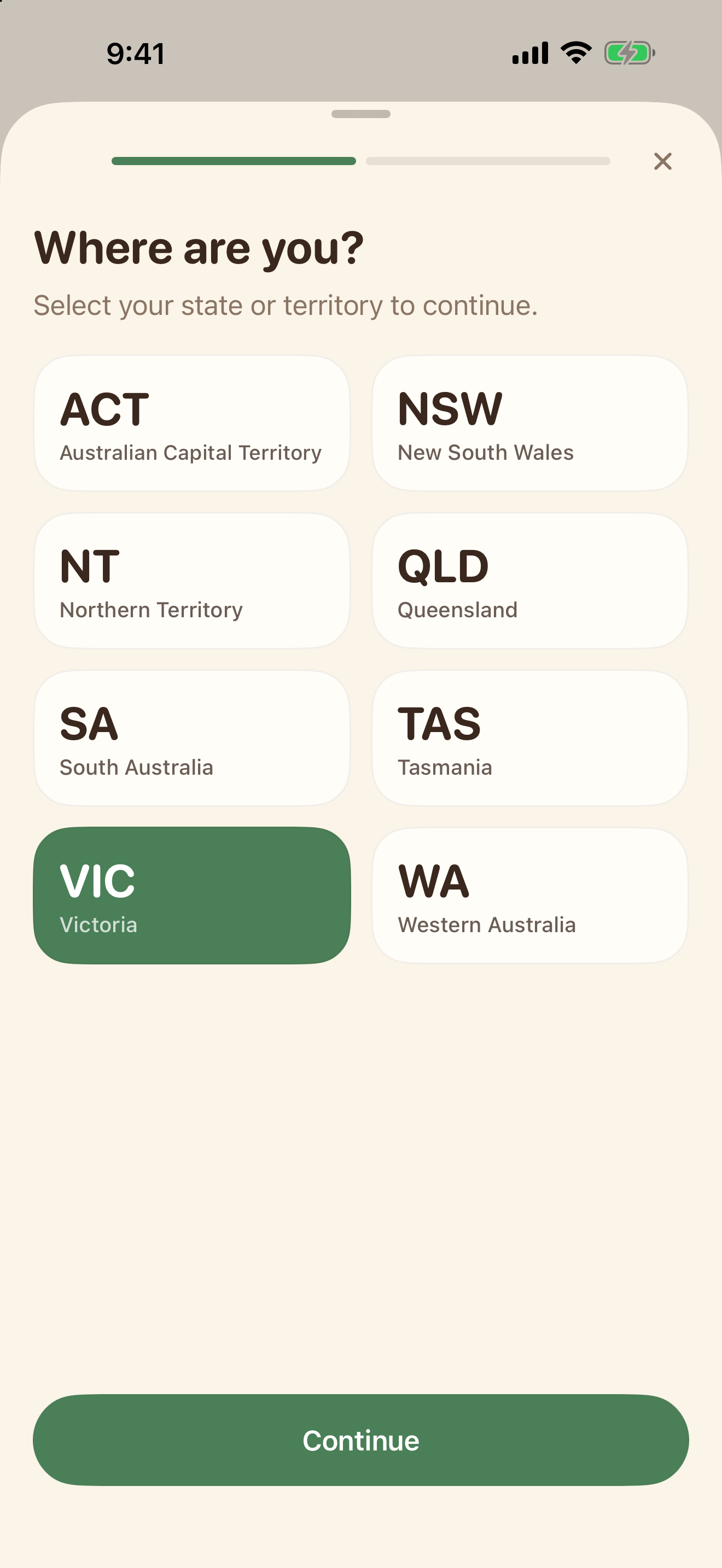
Choose your state
Open Settings and tap your profile card. Choose the state or territory where you live.
Open your moving checklist
Tap Checklists → Renting and Moving In. Open the checklist and tick the steps you have completed. Keep tenancy records separately.
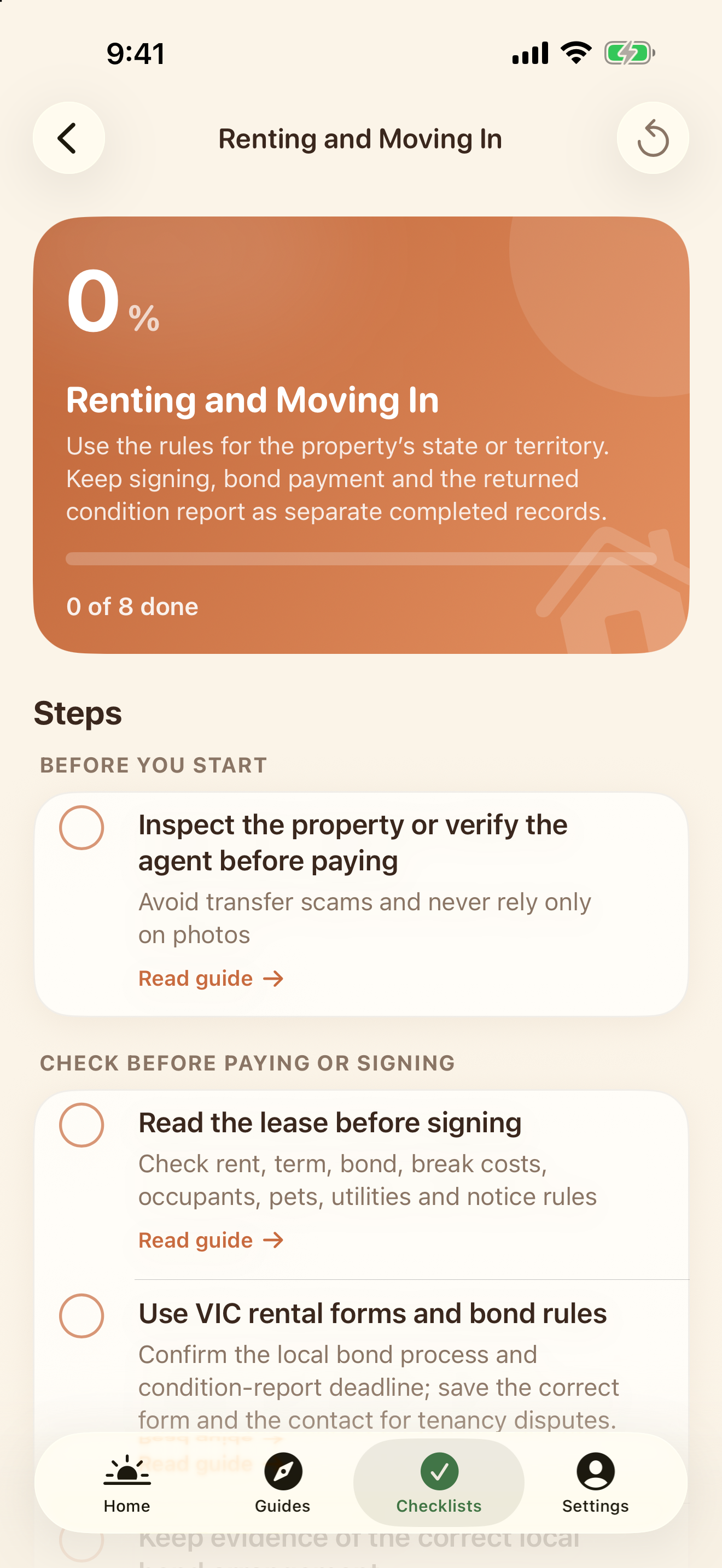
Your state and category help filter relevant content; they are not an eligibility assessment. Web tasks do not sync into the app. NewToAU does not submit applications or store your identity documents.
Official sources & scope
Use the linked official guidance to confirm requirements for your own circumstances. ClearNative is an independent publisher, not a government service.
General planning information. Eligibility and requirements depend on your circumstances. Official sources checked for this guide on 19 October 2026.